Unlock LUKS servers from your phone.
After a reboot, an encrypted server waits at the Dropbear pre-boot prompt. LUKS Remote Unlocker sends the passphrase, one tap per server or all at once, and checks that each one really booted.
After a reboot, an encrypted server waits at the Dropbear pre-boot prompt. LUKS Remote Unlocker sends the passphrase, one tap per server or all at once, and checks that each one really booted.
A passphrase is only as safe as the server it is sent to, so the app checks before it sends and confirms after.
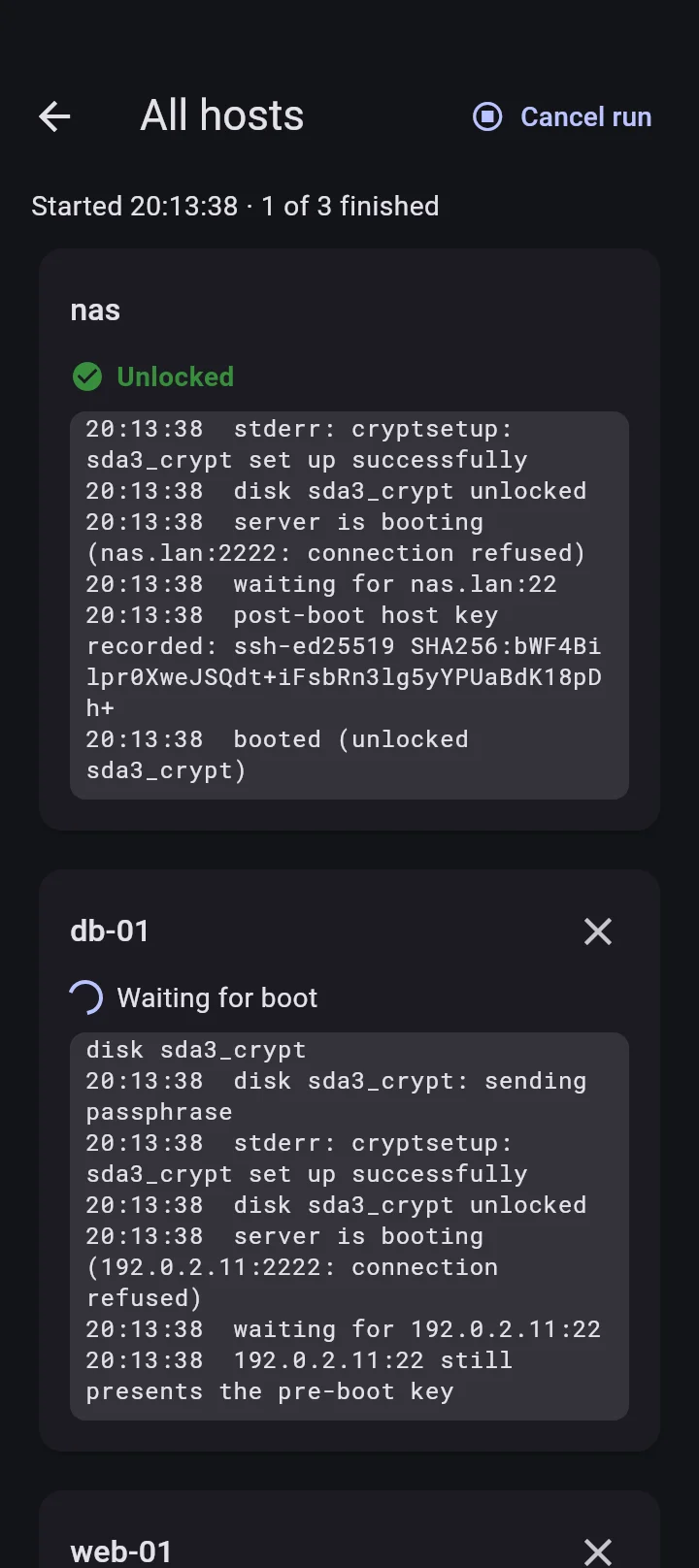
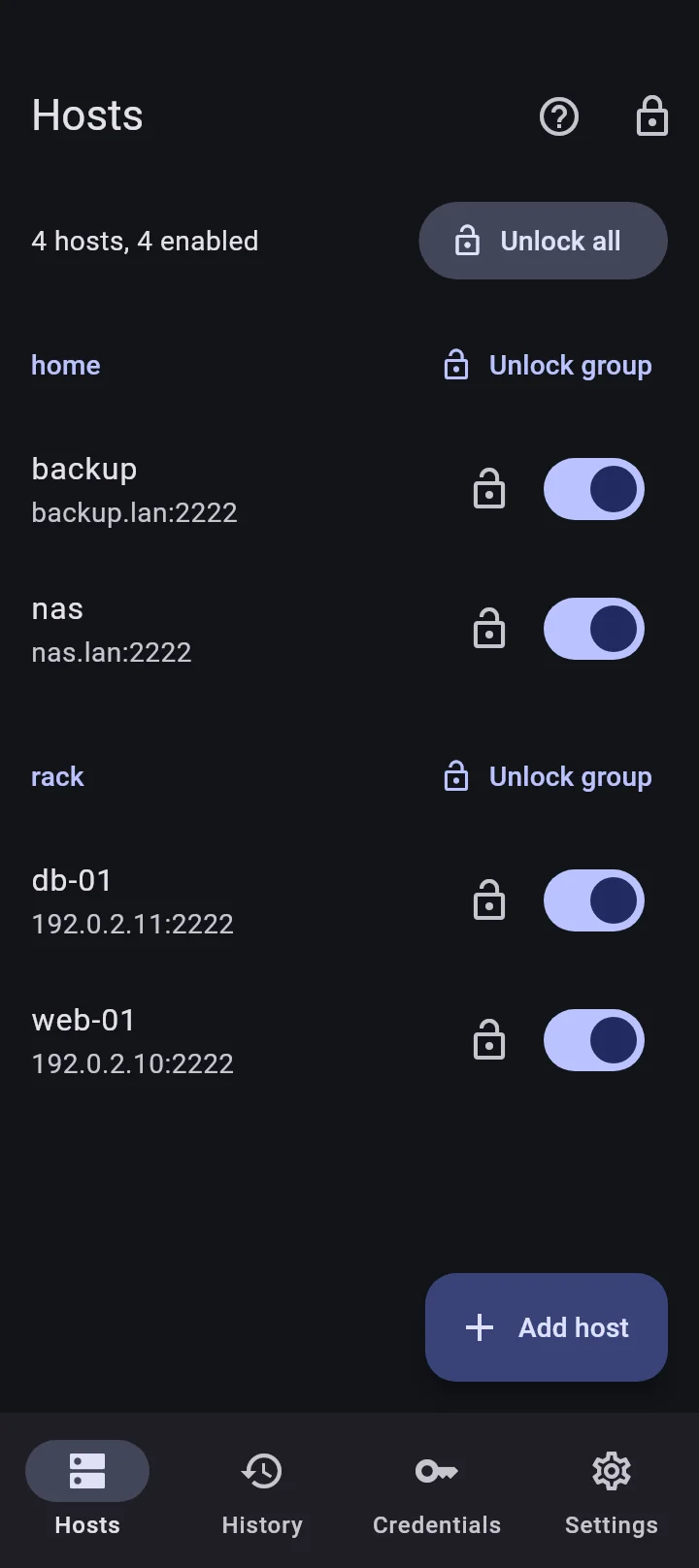
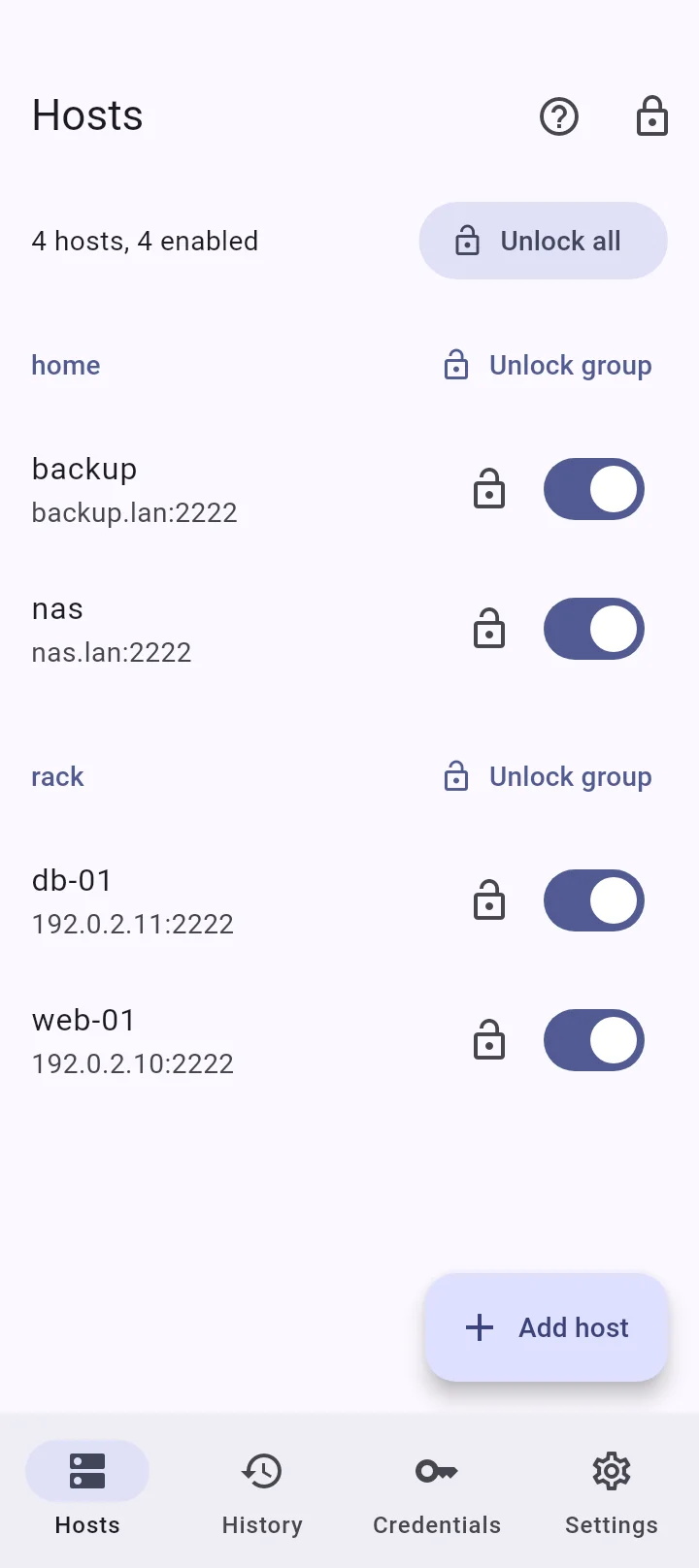
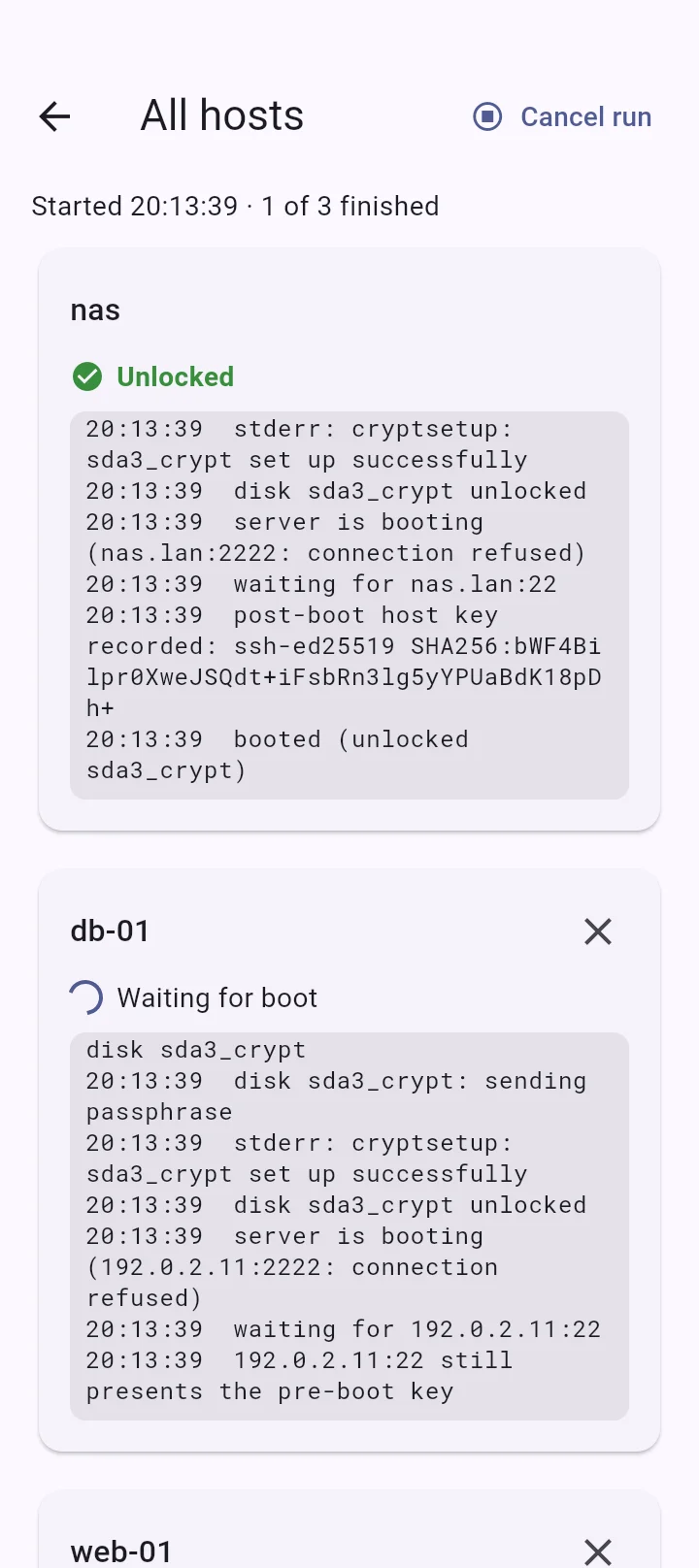
Unlock one host, a group or all of them. Hosts run in parallel, each with its own live log, and a run keeps going with the screen off.
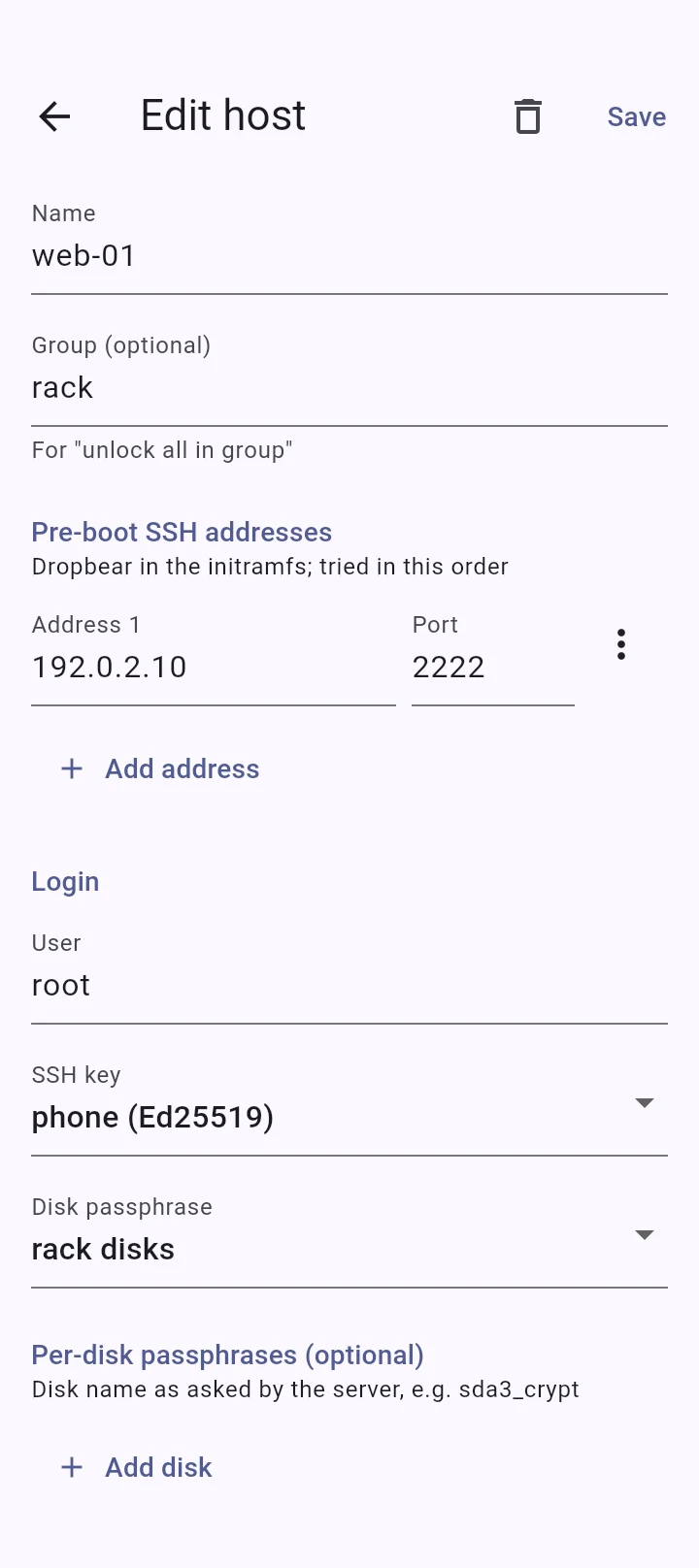
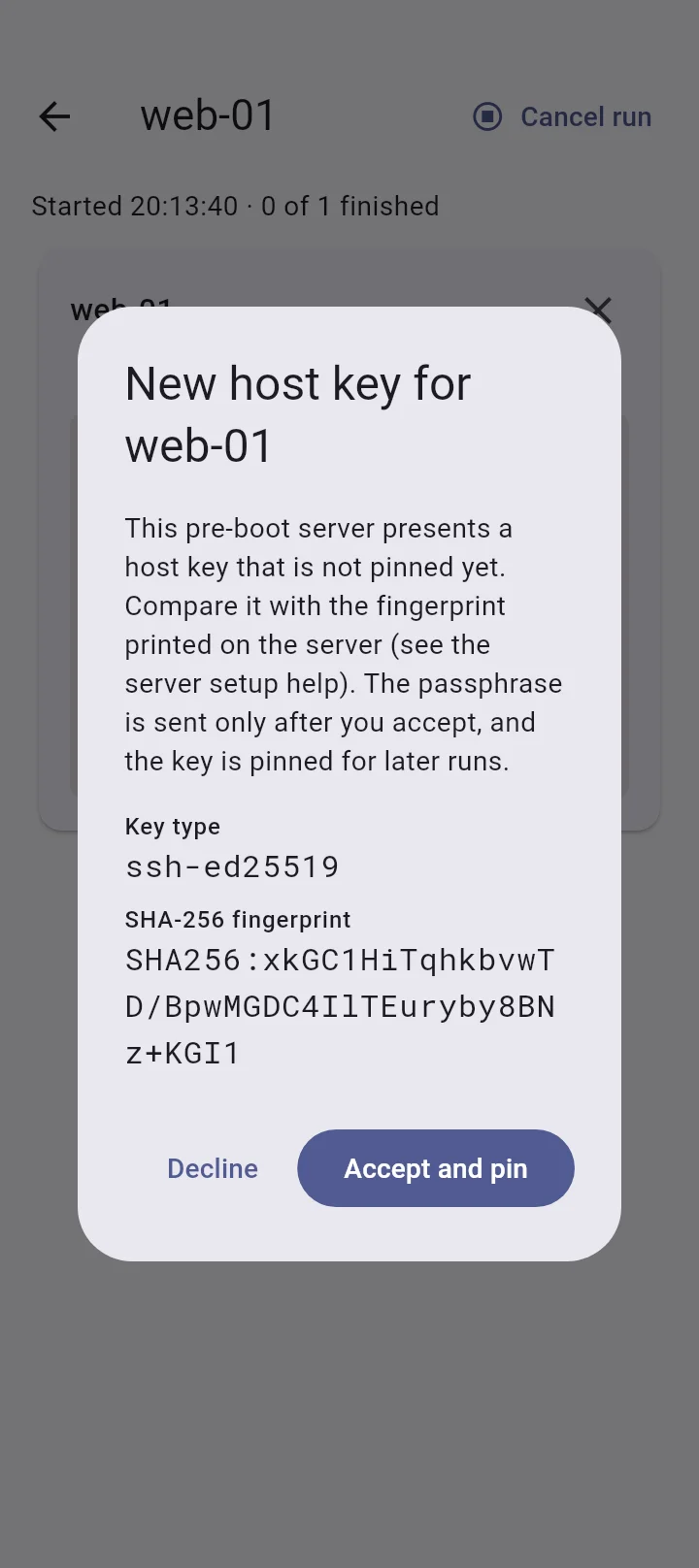
The passphrase is sent only after the server's pre-boot key matches the pinned one. A changed key stops that host before login, and a run has no way to accept it anyway.
An unlock counts as done only when the booted system answers with a different SSH host key than the pre-boot one.
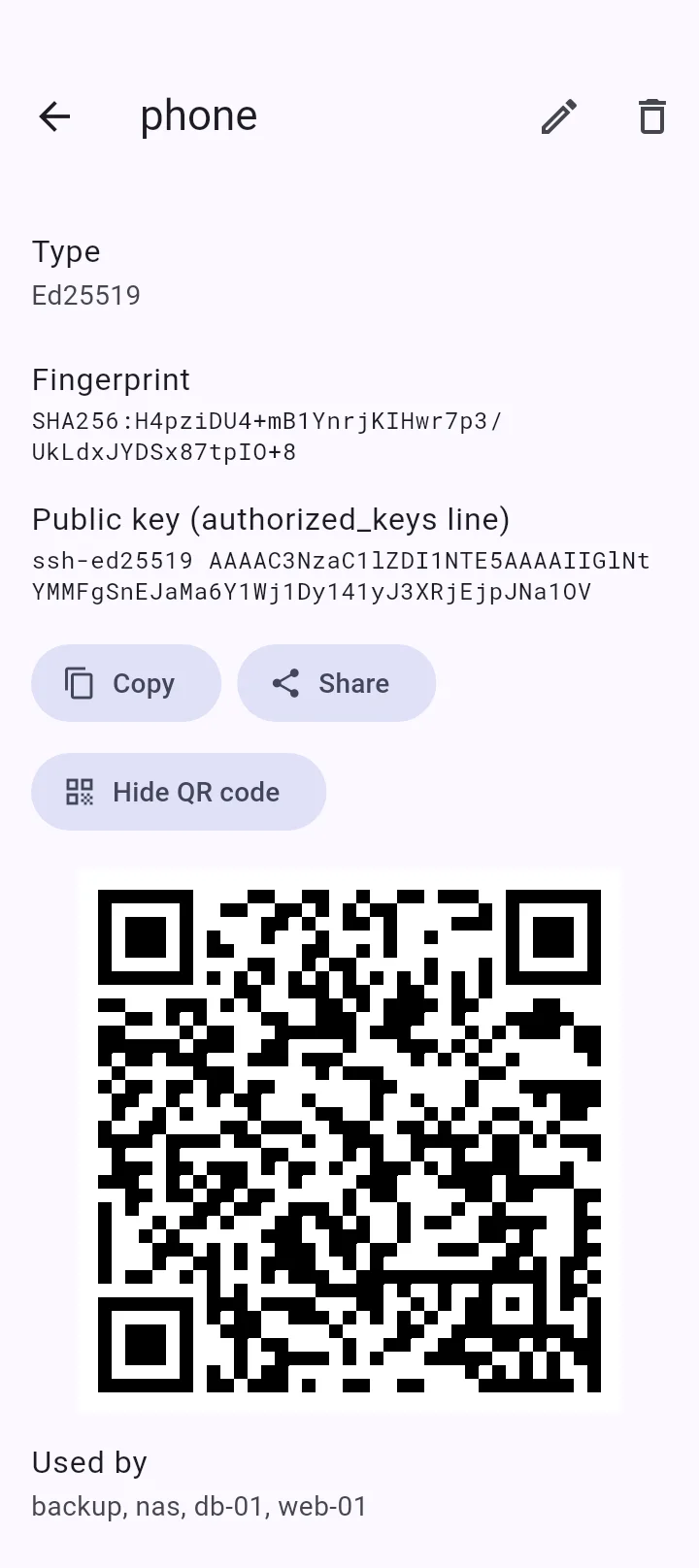
SSH keys and passphrases are encrypted with XChaCha20-Poly1305. A fingerprint or face opens the vault through the phone's secure hardware, and a recovery password is the second way in.
Debian allows three passphrase tries by default. A rejected passphrase stops the host, so the app never spends a try on its own.
No accounts, no telemetry, no cloud. The app talks only to the servers you configure, and passphrases are stripped from every log.
Works with Debian and Ubuntu servers that run Dropbear in their initramfs.
For Android 7.0 and later, from the manzari.dev F-Droid repository. Add the repository in your F-Droid client, then install the app from there.